“Loved the minimalist design and the way it just gets out of the way. Trying to migrate a decade of paper notebooks into it.”
RS
Rami Sarieddine
@ramiesays
glimpses is a private journal in beta for the small, particular things, a walk, a photo, a sentence you overheard. Write a line or a page. Pin it to a place. Find it again, years later.
Quietly, since 2016. Mentioned over the years by
glimpses lives on the open web now. Install it to your laptop dock, add it to your iPhone home screen, pin it to your Android. Same writing, same entries, once you connect Dropbox.
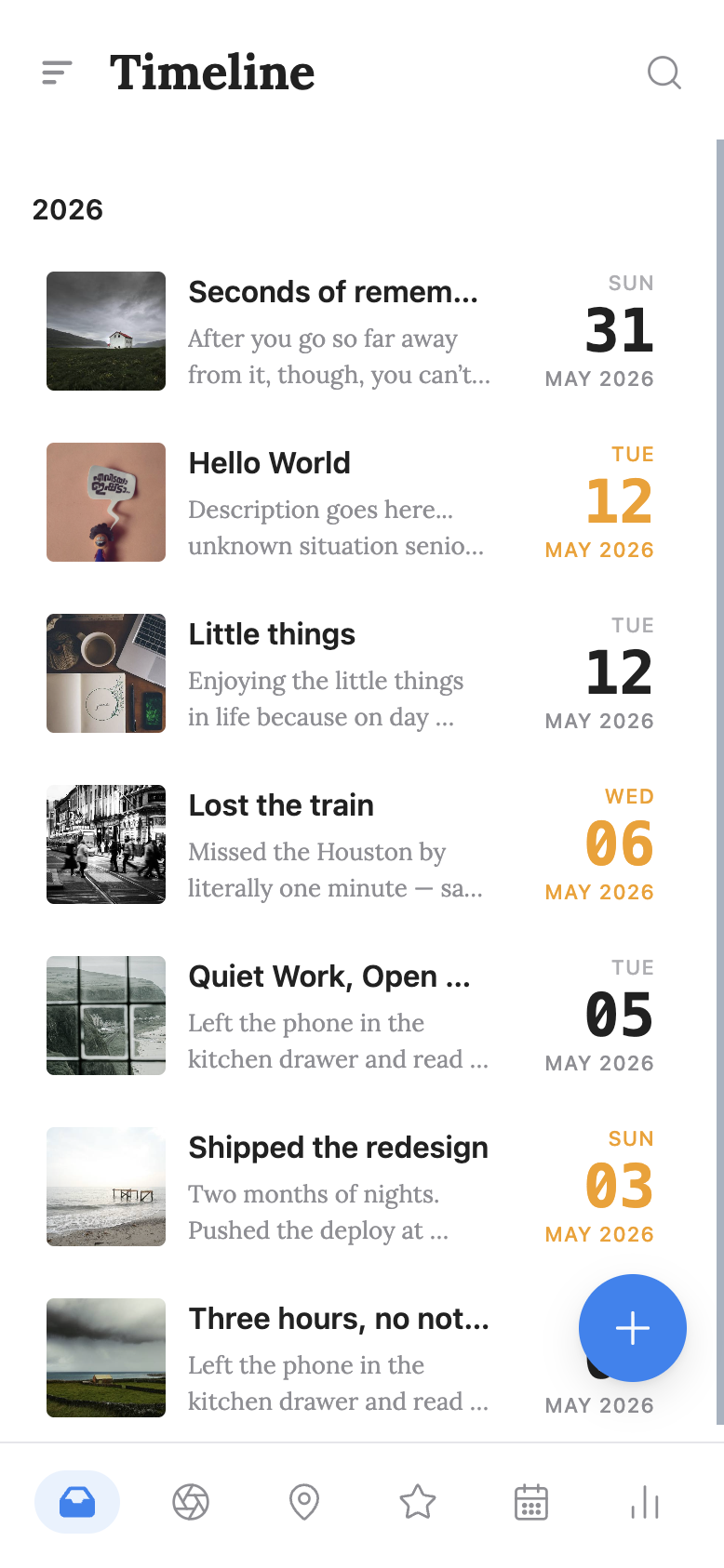
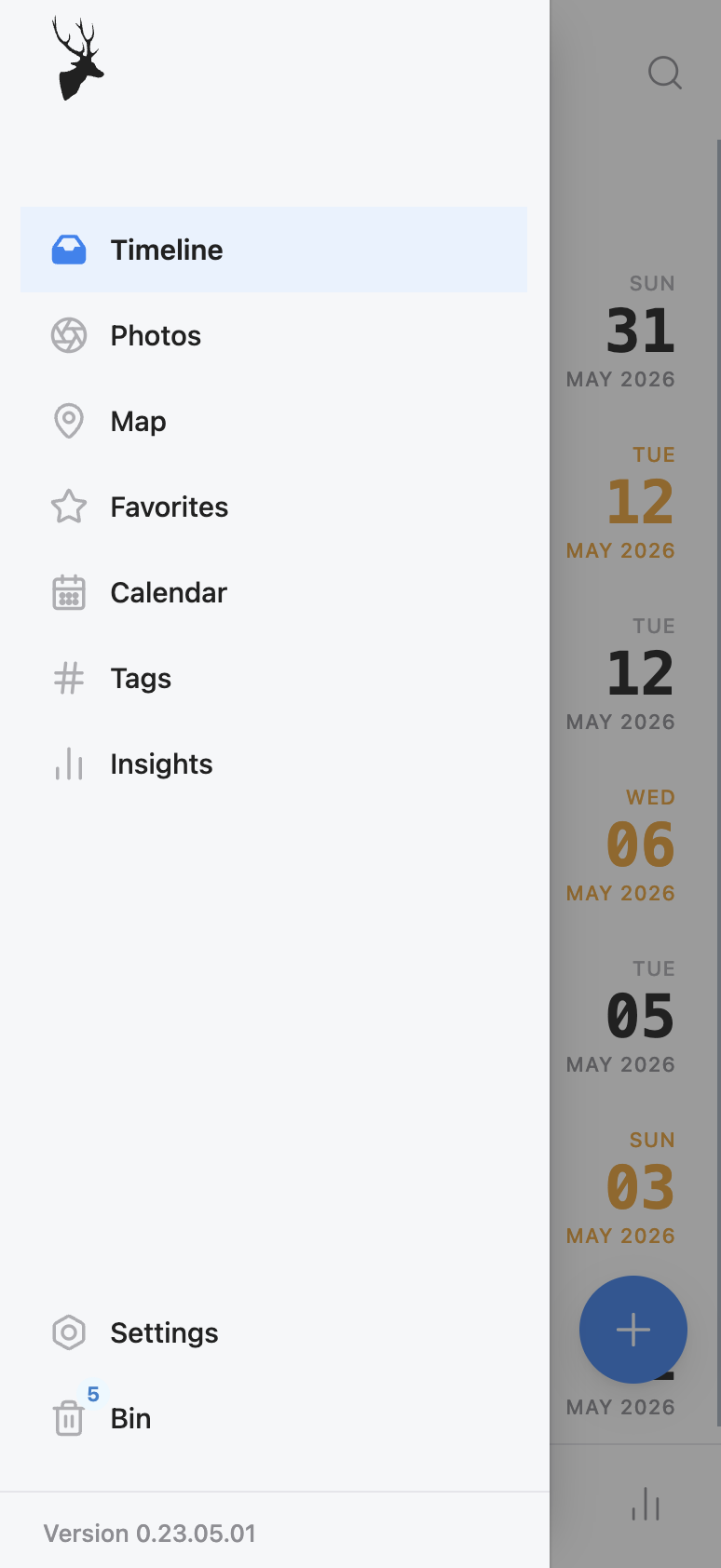
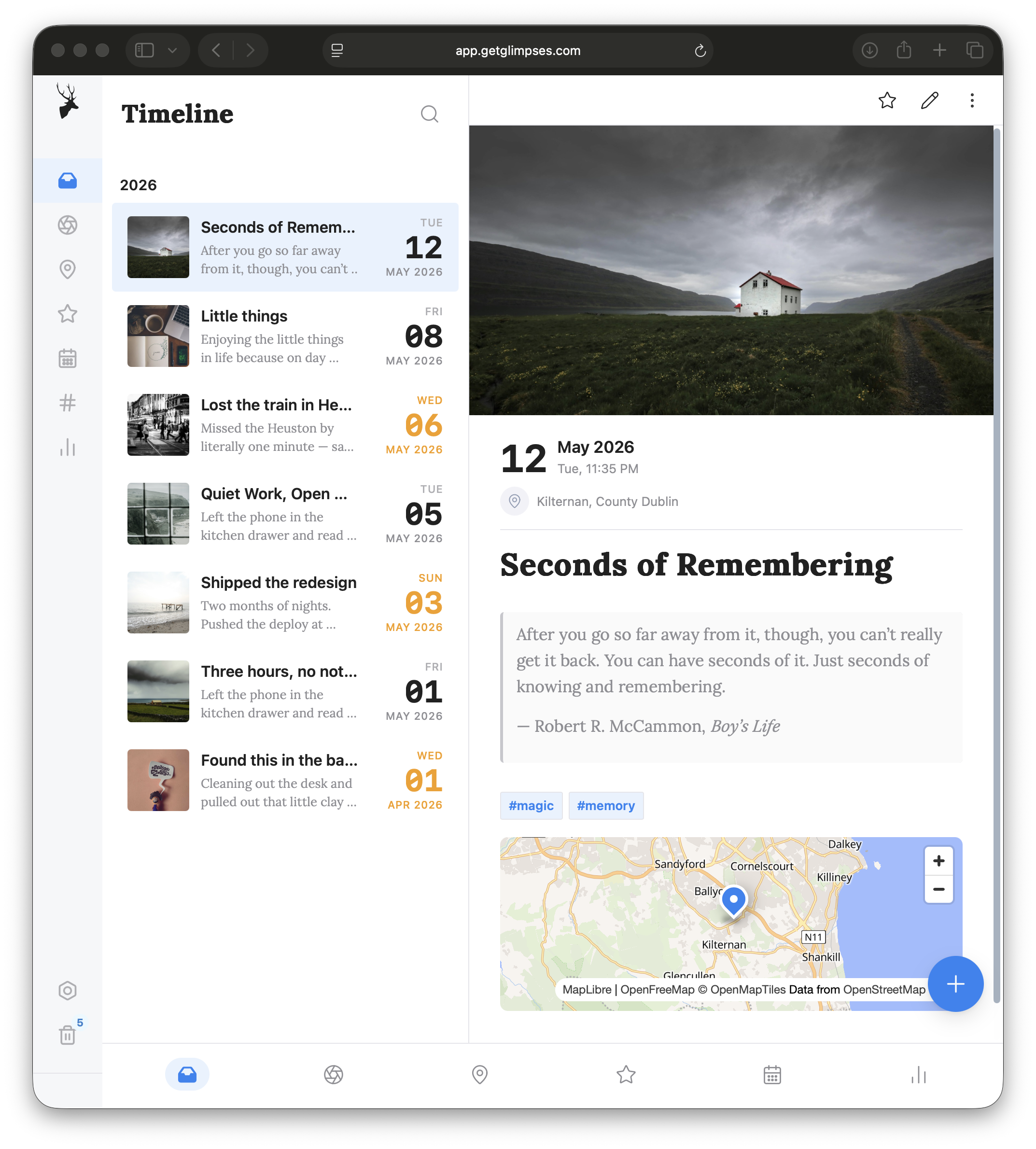
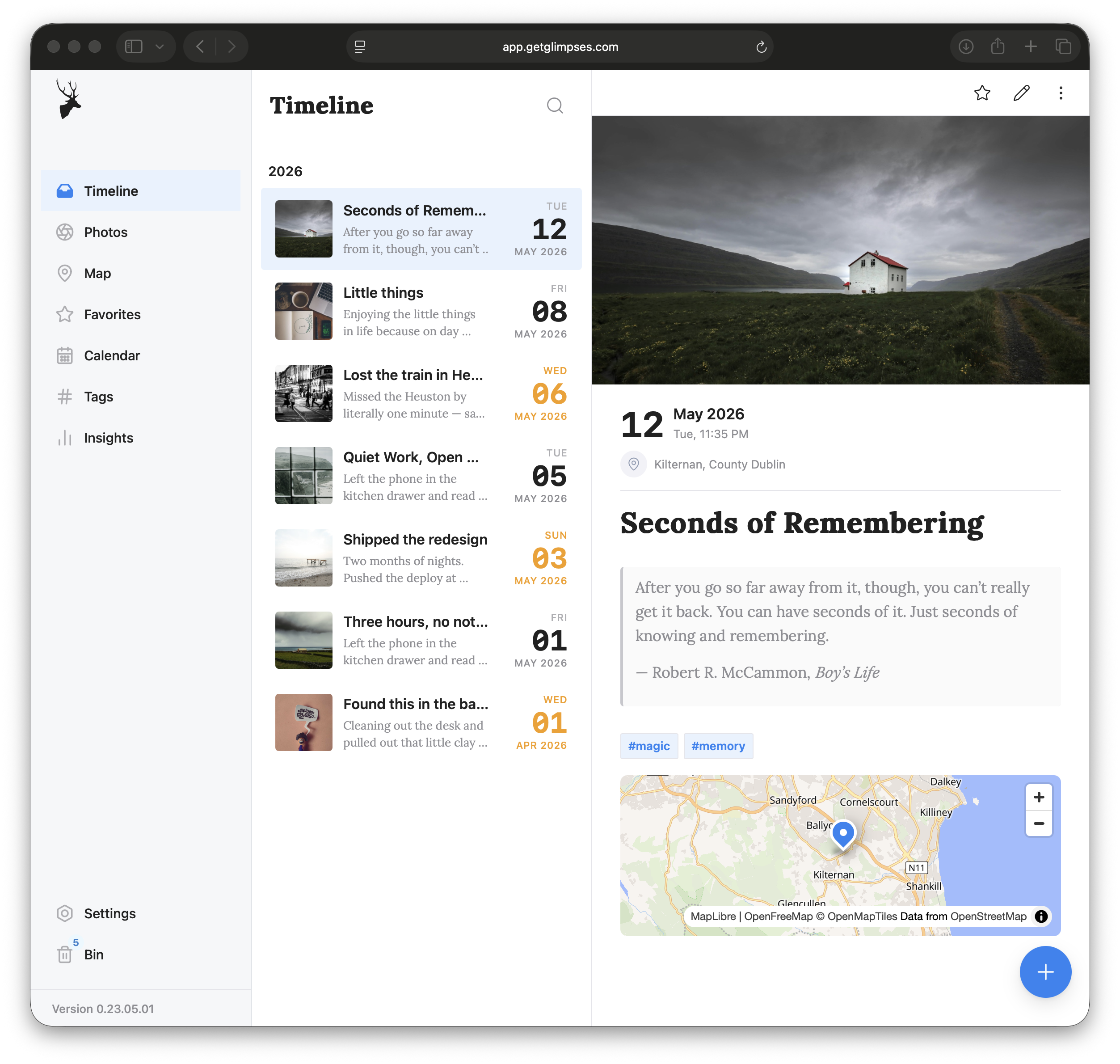
Open glimpses and you land in your story so far, a vertical thread of entries, newest first, with the date set in the same warm slab the app has always used. Click any day. The right panel opens with the photo, the words, the place.
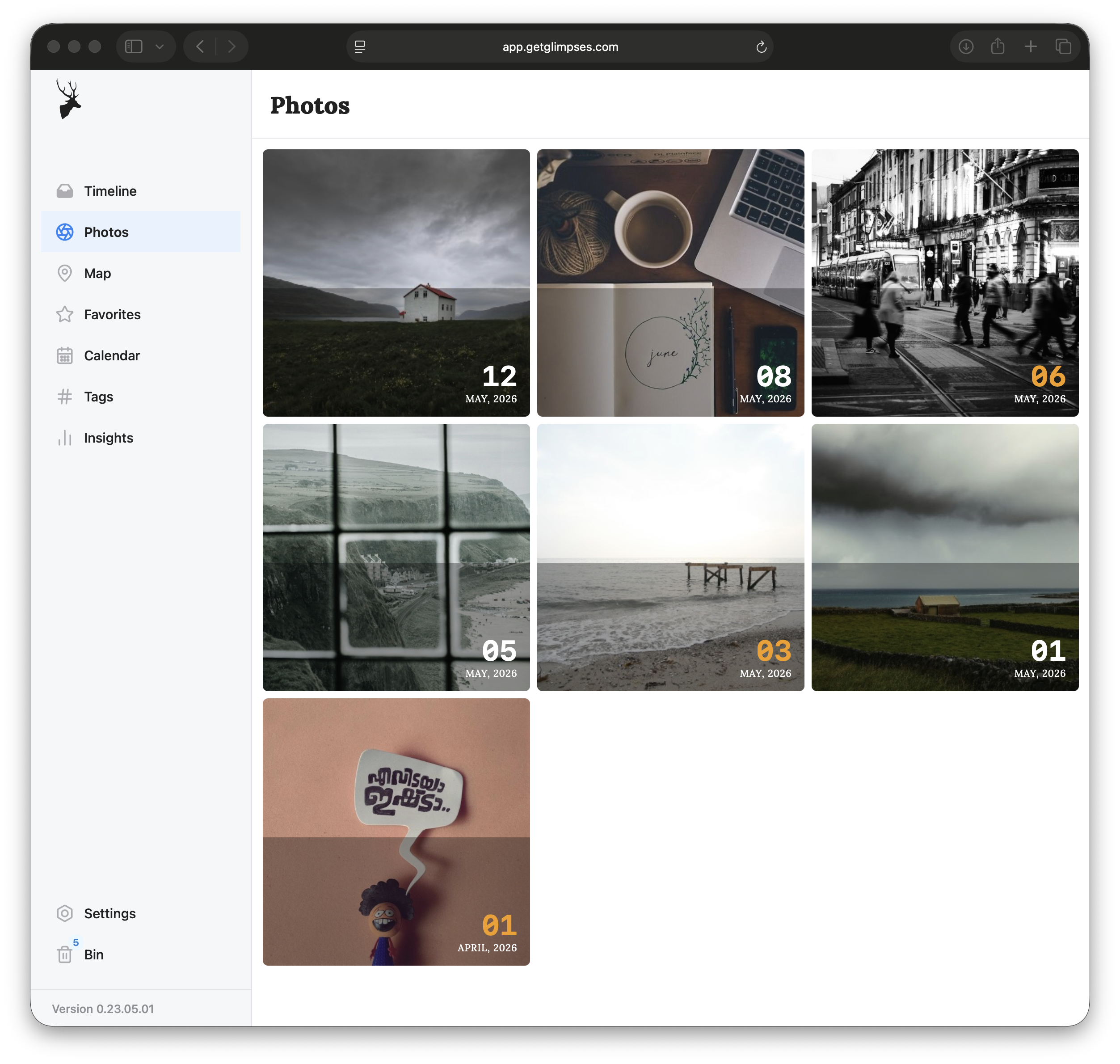
Add a photo to a single entry, a coffee cup, a coastline, a sticker found in a drawer. glimpses keeps it with the words, the date and the place you saved, then turns the year into a gallery you can fall into.
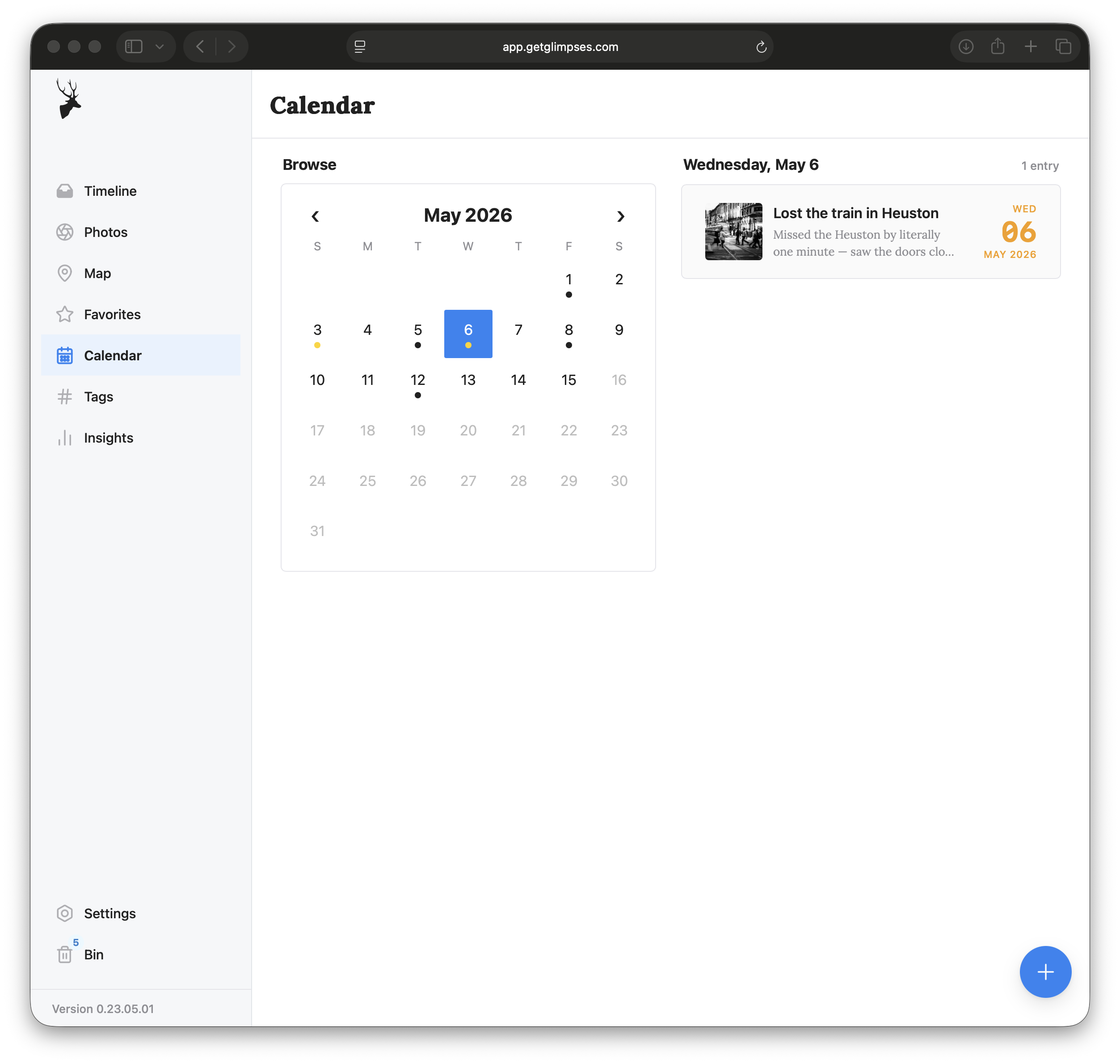
A month view that quietly dots the days you wrote on. Tap to jump. Starred days get the warmer mark.
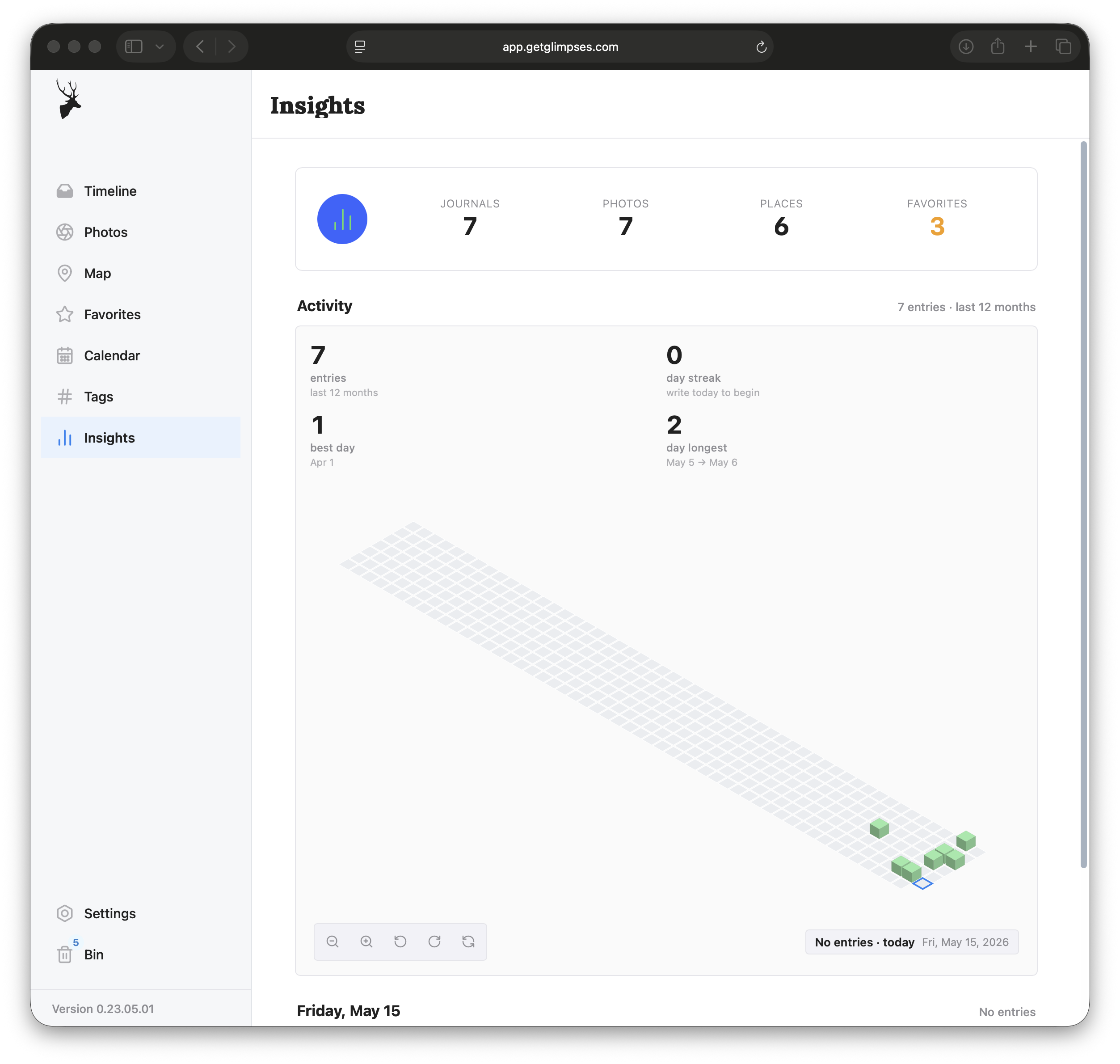
Journals, photos, places, favourites, your activity rendered as an isometric ribbon you can pan across.
glimpses has had a single principle for the last decade: the journal is yours. We don’t host a copy. We don’t train on it. We don’t sell anyone a tile of it.
Your journal syncs through your own Dropbox account. glimpses does not keep a copy of your entries on our servers.
Write without a connection. glimpses keeps your latest changes on this device, then syncs them to Dropbox when you’re back online.
Save an entry as a PDF with its words and photo intact, whenever you need a copy outside the app.
glimpses started as a Windows app in 2016 and stayed small on purpose. These notes are from the journal apps’ long inbox.
“Loved the minimalist design and the way it just gets out of the way. Trying to migrate a decade of paper notebooks into it.”
“Stumbled into glimpses on a Tuesday. Clean UI, no nag screens, no plug for some other app. Exactly what I needed.”
“Best way to bring my thoughts to text. I keep two journals — physical for sketches, glimpses for everything that’s a sentence.”
“Converted most of my paper journals into glimpses this autumn. Can’t wait for the iOS one — finally here.”
“I wish I’d stumbled onto this before I spent money on the store app that crashes when I try to do the one thing I bought it for.”
“Please know that your work is important for a lot of us. Keep up the journal app.”
Still nothing answered? Write to support@getglimpses.com — a real person reads it.
Open the app, connect Dropbox, write one sentence. That’s the whole onboarding.
No card. No account juggling. Bring your own storage.